
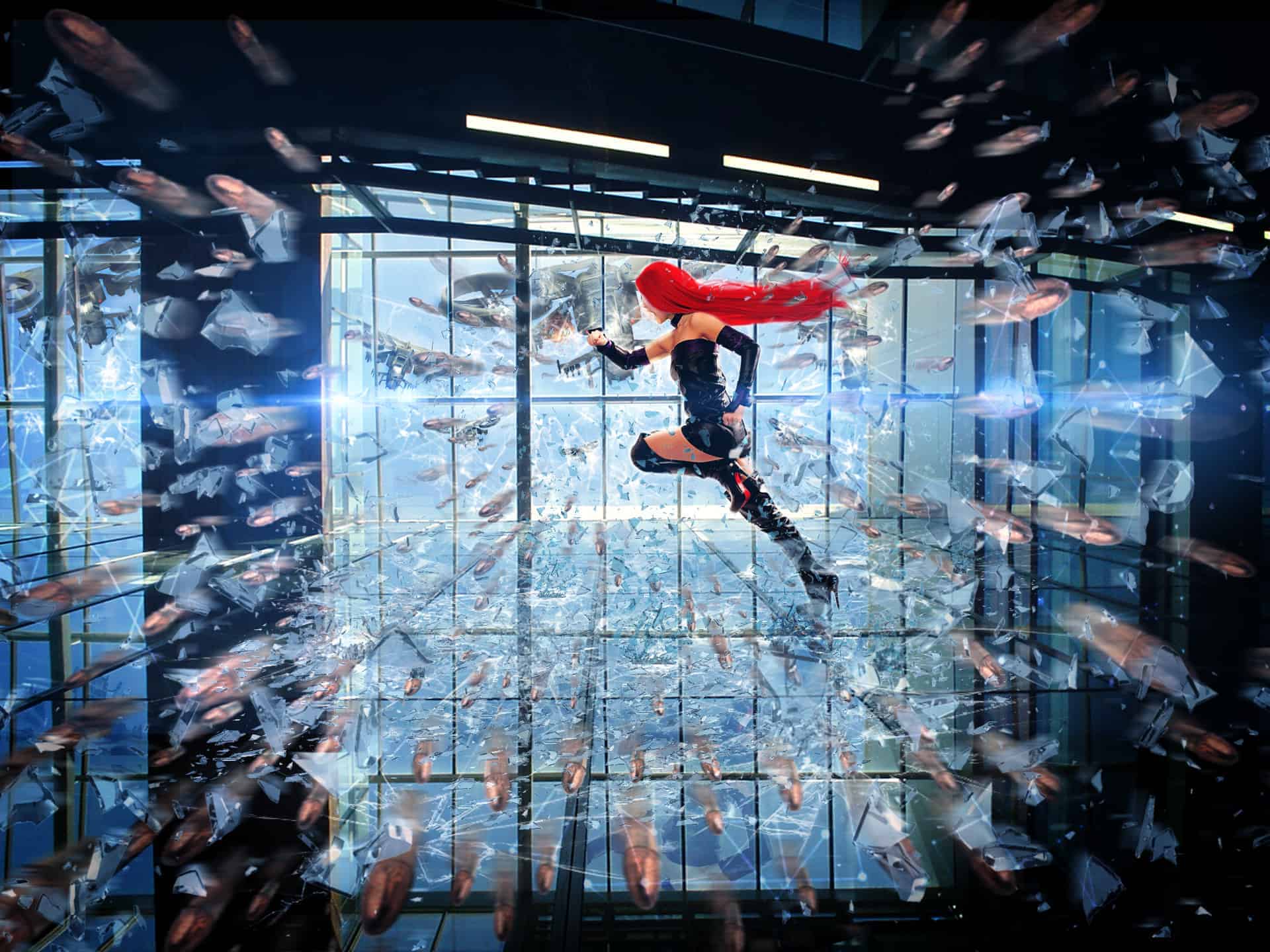

Learn how to this surreal photo manipulation of Blade Runner on an interior skyscraper with Photoshop In this lesson, you learn to work with the transformation of objects and blend modes for them. Composition and construction work on the cloning of elements. Realistic change in space and adding the effect of movement. Throughout the tutorial, you’ll learn techniques that will help you create better matte paintings and photo manipulations.
What you’ll be creating
Start creating photo manipulation by adding warships and work on the model. Then begin to create the effects of destruction and adding bullets shattered glass. At the end, add adjustment layers and special effects.You’ll need any version of Photoshop, inspiration, good mood, turn on your favorite music and take a cup of tea :)

Tutorial Resources
- Glass Shatter– 9j1kabir
Broken Glass Brushes– archaii(Alternative)Model– jagged-eye(Alternative0- The glass ceiling– stirlace-stock
- Bullet storm– mariasemelevich
- Big lens and optical flare– dawiiz
- Ship– mysticmorning
- Textures Triangles– So-ghislaine
Step 1
Before you start, download all the material in one place. So it will be easier to work with them. Open Photoshop and start by creating! Open the image of the building. Go to or the short key Cmd/Ctrl+ O and select the image of the building.


Step 2
Add flying warships. To do this, go to and select the picture with the ship.


Step 3
Duplicate ship 2 times (the short key Cmd/Ctrl+ J) and merge all layers with the ships in one group (the short key Cmd/Ctrl+ G). Time to work, we do not interfere with the other ships in the Layers palette, click on the eye icon beside the desired layer. This will make it invisible.

Step 4
Reduce the size of the first ship, transforming him (the short key Cmd/Ctrl+ T). Reduce it so that it was slightly less than the window. To transform the ship proportional hold Shift and drag the corner. Rotate the image by an angle 13, 55.

Step 5
Now Flip Vertical second ship, the slope and slightly reduce its size. Press Cmd/Ctrl+ T to transform the ship. Then without applying changes, click RMB and from the drop down list, select “Flip Horizontal” or go to . Rotate the image by an angle – 12, 26. Press Enter to apply the changes.

Step 6
Now take the remaining layer is not change for altars and transfer group. To do this grab the desired layer and drag until as shown in the picture.


