
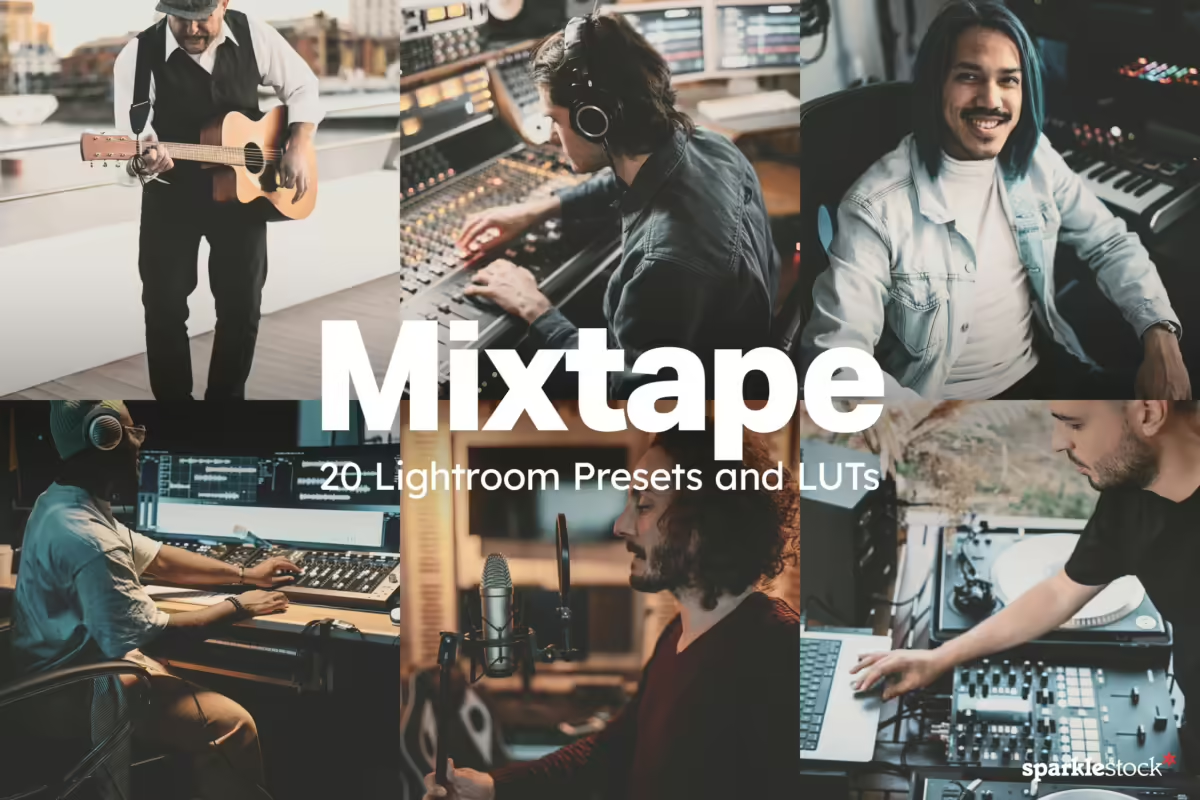

These Mixtape Lightroom presets add a humble and subtle film look that gives your photos a moody vibe. The film grain adds texture, while the contrast creates a soulful atmosphere. There are a variety of looks, from the subtle “Loft” presets to the stronger, more moody “Cassette” presets with crushed blacks.
Though originally made for music production shots, they also work well with a wide range of photos, including fashion, street, and event photography. They can be used in Lightroom or Photoshop via the Camera Raw filter ().
These presets are provided free by SparkleStock. A Pro version (paid upgrade) is available with more presets, AI enhancements, skin tone protection, and more LUT formats.


Pro Version
- 20 AI Lightroom Presets
- 20 Skin Tone Protected Presets
- 20 LUTs (3dl, cube, mga, png)
- 20 Skin Tone Protected LUTs (3dl, cube, mga, png)


Comments