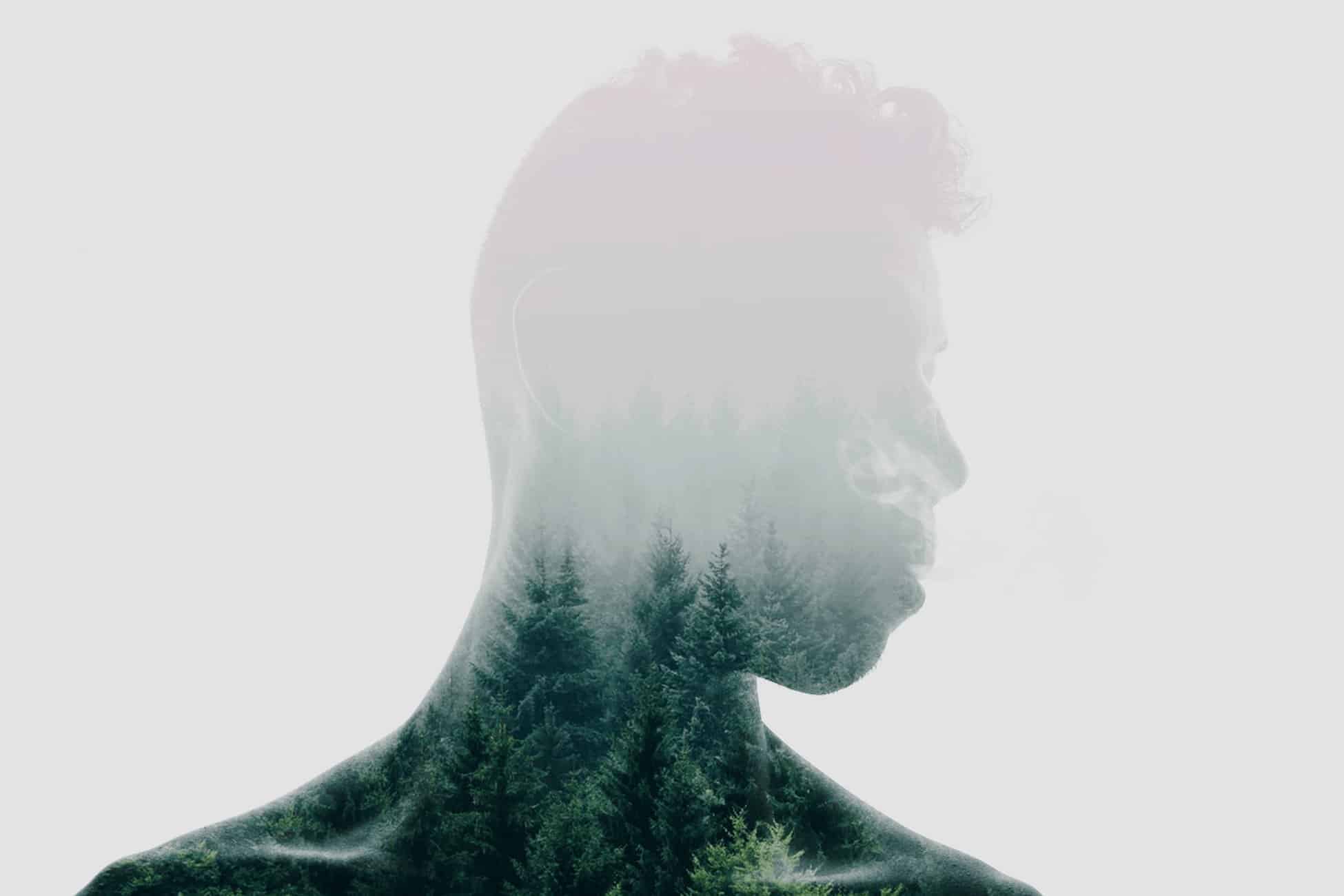
Final Results
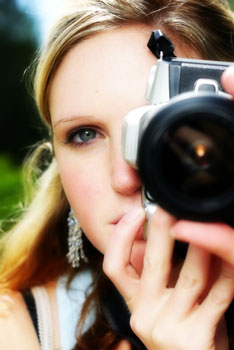
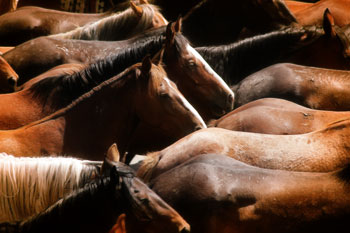
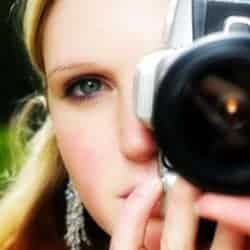
Rollover the images below to see the before and after effect.
End of tutorial

Published
Rollover the images below to see the before and after effect.
End of tutorial


Thanks for this.
Step 6: Why does layer mask not change to black and white after apply image?
Beautiful job….