

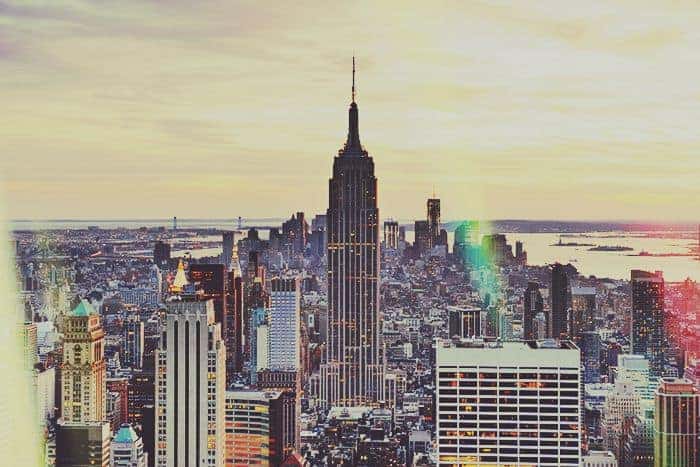
Instagram now has 13 new effects for video and now you can apply the same effects in Photoshop! These actions by SparkleStockare extremely realistic, easy to use, and work with both photos and videos. Try them out!
Instagram Video Photoshop Actions
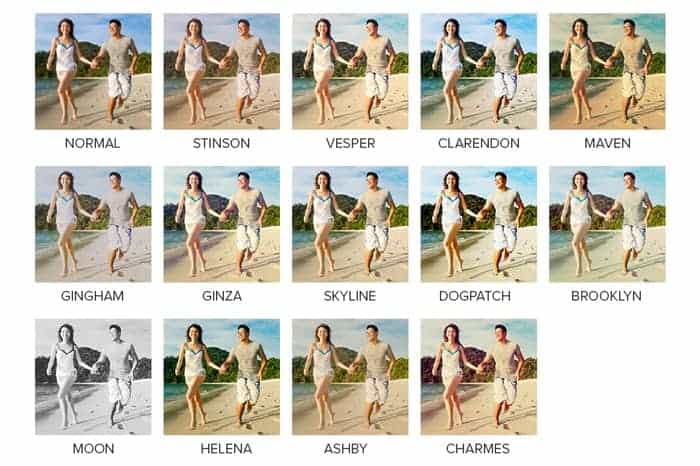
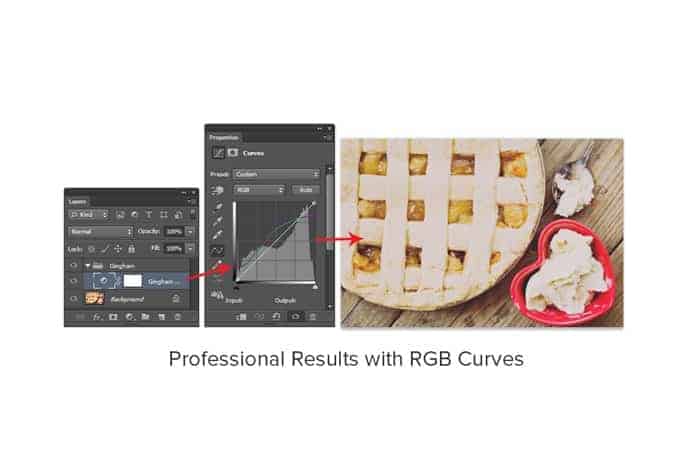
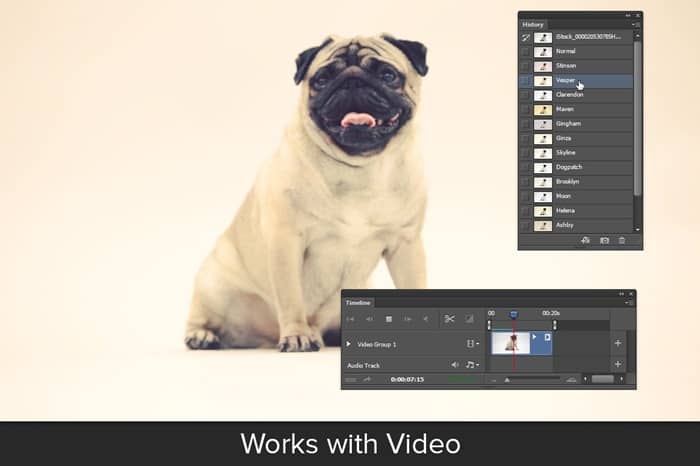
This set comes with 5 effects (Stinson, Vesper, Clarendon, Maven, and Gingham) and if you join SparkleStock, you can download all 13 effects. These actions can be used on both photos & videos and, using its snapshot prerendering feature, you can switch effects instantly without playing another action – even while your video is playing!
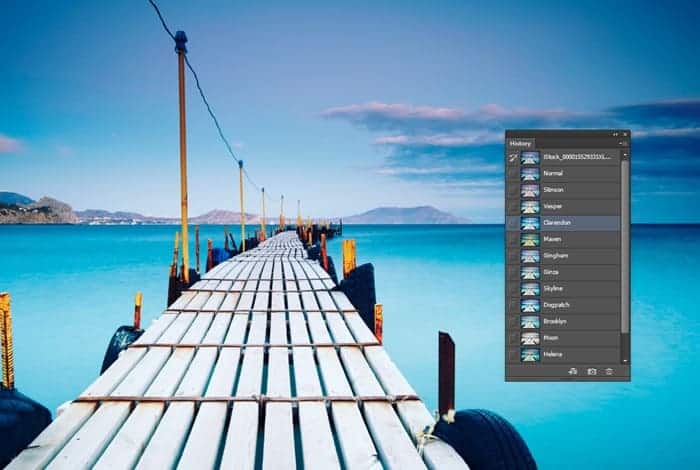
Download Instagram Video Photoshop Actions
Pro Version
- Stinson
- Vesper
- Claredon
- Maven
- Gingham
- Ginza
- Skyline
- Dogpatch
- Brooklyn
- Moon
- Helena
- Ashby
- Charmes


11 responses to “Freebie: Instagram Video Photoshop Actions (Stinson, Vesper, etc)”
hi
I just want to thank you for this tutorial it helps me to design my logo
dear instagram followers my mom posted such a cute picture of johnny ramies ethan and i.
Simple and very functional thanks
my computer says the command is not available,why?
Is your photo in RGB mode? You can check by going to Image > Mode > RGB Color
hello i have problems to instal the effect :/ and i cant find any tutorial! plss help
Hello lucero. You can use the ACTIONS by clicking WINDOW. Options will slide down and you will see ACTIONS. A Triangle icon will appear (just like the PLAY button on your MP3) Click it.Make sure you are in the ACTIONS not on HISTORY. Click the rightmost icon on the box (the one with a little triangle pointing downward) Options will appear and choose LOAD ACTIONS. Browse for the downloaded ACTION (but make sure you have extracted it from the zip folder.) After you load it, you will see the actions on the earlier box.
ytrty
fine
I love your actions! Thank you!!
oh my!