


Step 35
From top menu choose .

Step 36
Mask Smart Filters. I masked farthest fragments of drappery.

Step 37
Add adjustment layer with Color/Balance. Make it clippy to drappery layer.

Step 38
Now you will absolutely change drappery color. Add clipping Hue/Saturation layer.

Step 39
Add new, blank, clipping layer. With soft brush draw lights on drappery. Remember about using dynamic opacity brush.

Step 40
Add new layer. Pick small, soft brush and draw light contour on model and drappery. With bigger soft brush you can also add lights on folds.

Step 41
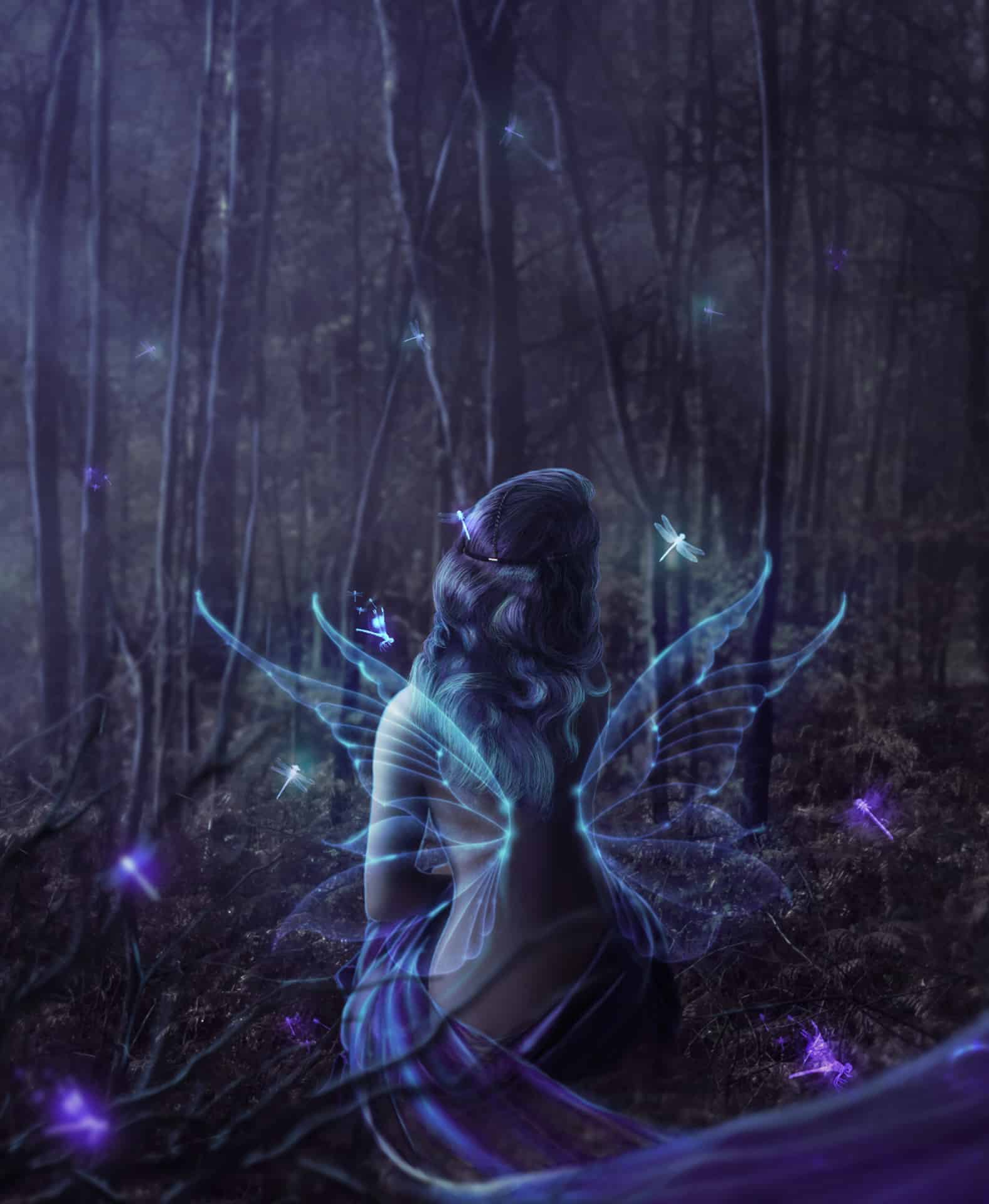
It’s time to make wings. Place fae wings to your picture. Transform it.

Step 42
In color picker set colors and . Add adjustment layer with gradient fill. Set it as shown. Then make it clippy by clicking with RMB on gradient layer and choosing Create clipping mask.

Step 43
Change wings layer (not gradient!) blending mode to Linear Dodge (Add) and decrease opacity to 50%.

Step 44
By holding ctrl pick two layers – wings and gradient. Drag and drop to symbol of new layer – it should duplicate those layers.

Step 45
Change blending mode of duplicated layer to Color dodge (wings, not gradient!). As you can see I placed layers to folder – left and right wings.

Step 46
Duplicate layers with first wing (four) – or whole folder (if you placed wing to folder). Then transform it.

Step 47
Add Adjustment layer with gradient. Use black and light blue color.

Step 48
Keep doing good job! Change blending mode to Color dodge. Decrease opacity to 26%.

Step 49
Add new layer. Pick soft, 20px brush color. Draw strong outline of wings.

Step 50
On this layer choose from top menu .

Step 51
Now change this layer blending mode to Color dodge and decrease opacity to 27%. It makes more magical look.

Step 52
Add new layer. Choose dragonflies brushes. Then use it somewhere. Pick color.

Step 53
In your color picker choose and . Add gradient Adjustment layer. Set it as shown and make it clippy by RMB > Create clipping mask.

Step 54
Cool! Now change dragonflies layer blending mode to Color Dodge. (Not gradient!)

Step 55
By holding ctrl pick layers with dragonflies and gradient. Then drag and drop it on new layer symbol – it will duplicate layers.


