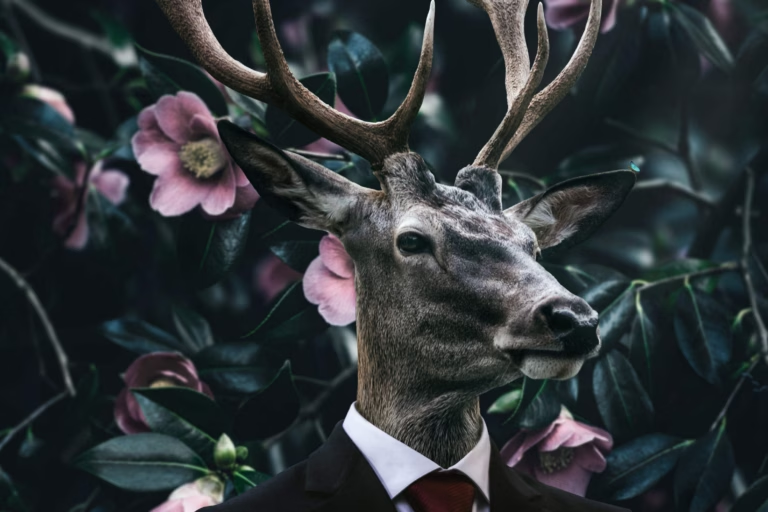
Step 25
Add a mask to this layer. Choose a big round brush and pick black color. Paint on the mask to make the picture comes back again but leaving the corners blurred. Imagine to paint like a big circle.

Final Results

Download the PSD
Tutorial by Fabrizio Panattoni
 Thank you for reading my tutorial. I hope it helped you. If you want to see more artworks made by me, check my art page braciata.deviantart.com.
– Fabrizio Panattoni
End of tutorial