

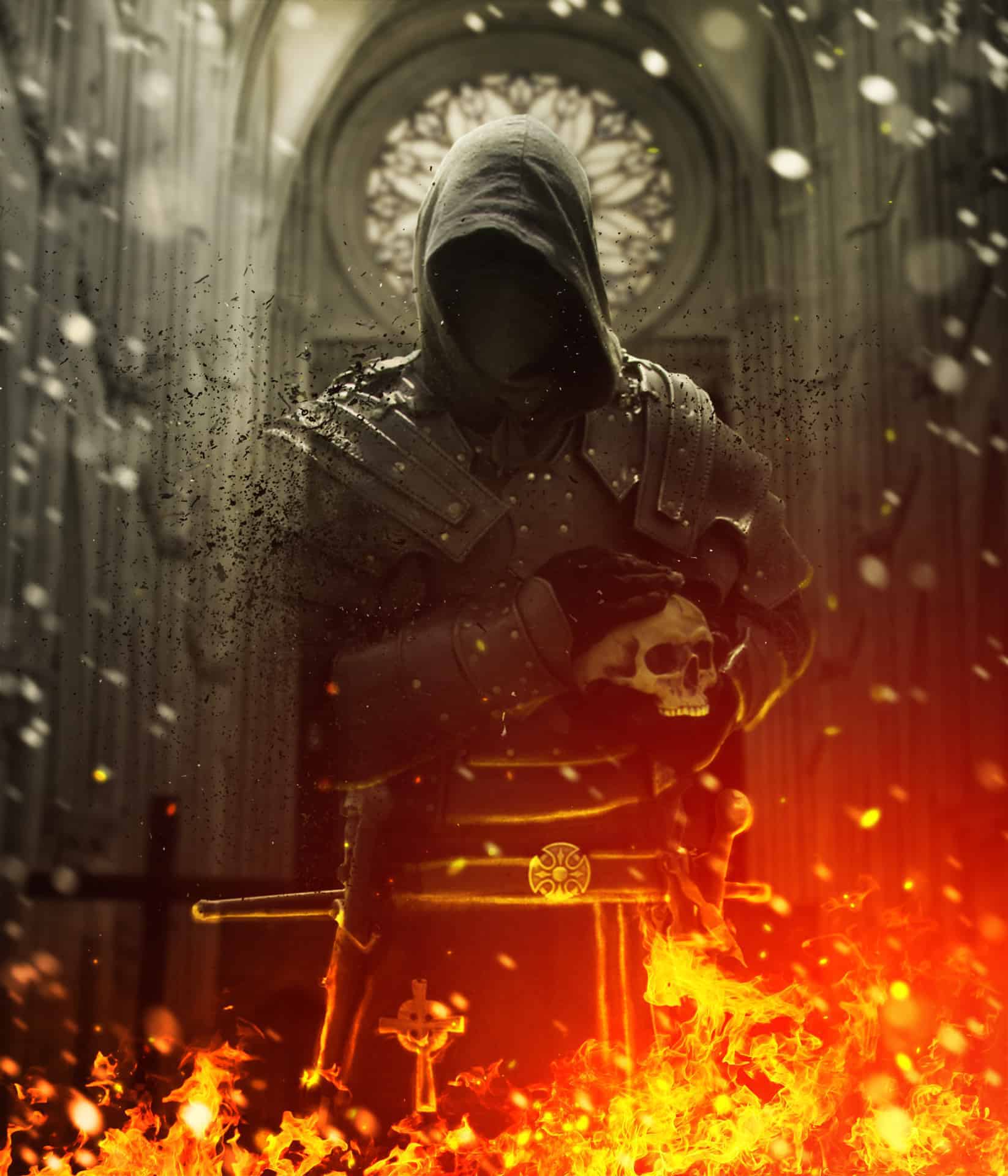
In this tutorial, I’ll show you how to create a firing medieval scene with a disintegration effect. You’ll learn how to combine stock images, use debris brushes, work with fire, make a cool atmosphere and create lighting effects.
What you’ll be creating
We’ll start this tutorial by adding the background and blur it to create a depth of field. Then we’ll add the knight and apply the debris brushes to him to create a shattered effect. Later we’ll add the fire and create a glowing light for it. After that, we’ll make the fire effect on the knight as well as use several adjustment layers to change the whole contrast and color. We’ll finish it up with more light and fire sparks. You’ll need Photoshop CS3 or newer to follow this tutorial.
Tutorial Resources
Step 1
Create a new document in Photoshop with the settings below:

Step 2
Open the castle stock. Drag it into our white canvas using the Move Tool (V):

To add some depth to the scene, go to and set the radius to 6 px:

Step 3
I used an adjustment layer and set as Clipping Mask to desaturate the background. Go to :


Step 4
I used a Curves adjustment layer (Clipping Mask) to darken the castle background:

Step 5
Place the knight image in the middle section of the image and remove the background using a layer mask.

Step 6
Change the brush kind to the debris ones. Take the brushes you like and start painting on the arms to shatter these areas. I turned off the Curves adjustment layer of the castle to let you see the effect more clearly:

Step 7
To add more debris, on a new layer, use a debrish brush with any colors (I choose white) to paint on the knight body.

Turn off this layer. Hold down Cmd/Ctrl and click the debris thumbnail layer to load its selection:

On the knight layer, right click this selection and choose Layer via Copy. Move the copied part onto the one of the shoulders.

Step 8
Apply the same method to make more disintegration effect for the knight, use a layer mask to erase any unwanted debrises. Here is my result:

Turn on the Curves adjustment layer of the background.


