![step-094[6] step-094[6]](https://cdn.photoshoptutorials.ws/wp-content/uploads/2014/02/step-0946-1.jpg?strip=all&webp=82&avif=82&w=1920)
Step 95 final colors!
It’s time to fix colors. Now colors are unsaturated, too light. Let’s fix that! Create brightness/contrast layer. Change opacity of it to 70%.
![step-095[6] step-095[6]](https://cdn.photoshoptutorials.ws/wp-content/uploads/2014/02/step-0956-1.jpg?strip=all&webp=82&avif=82&w=1920)
Step 96
Now create color balance layer, for standarizing colors.
![step-096[6] step-096[6]](https://cdn.photoshoptutorials.ws/wp-content/uploads/2014/02/step-0966-1.jpg?strip=all&webp=82&avif=82&w=1920)
Step 97
Again add brightness/contrast layer. It’s necessary :)
![step-097[6] step-097[6]](https://cdn.photoshoptutorials.ws/wp-content/uploads/2014/02/step-0976-1.jpg?strip=all&webp=82&avif=82&w=1920)
Step 98
Now hue/saturation layer. You will sharpen greens :)
![step-098[6] step-098[6]](https://cdn.photoshoptutorials.ws/wp-content/uploads/2014/02/step-0986-1.jpg?strip=all&webp=82&avif=82&w=1920)
Step 99
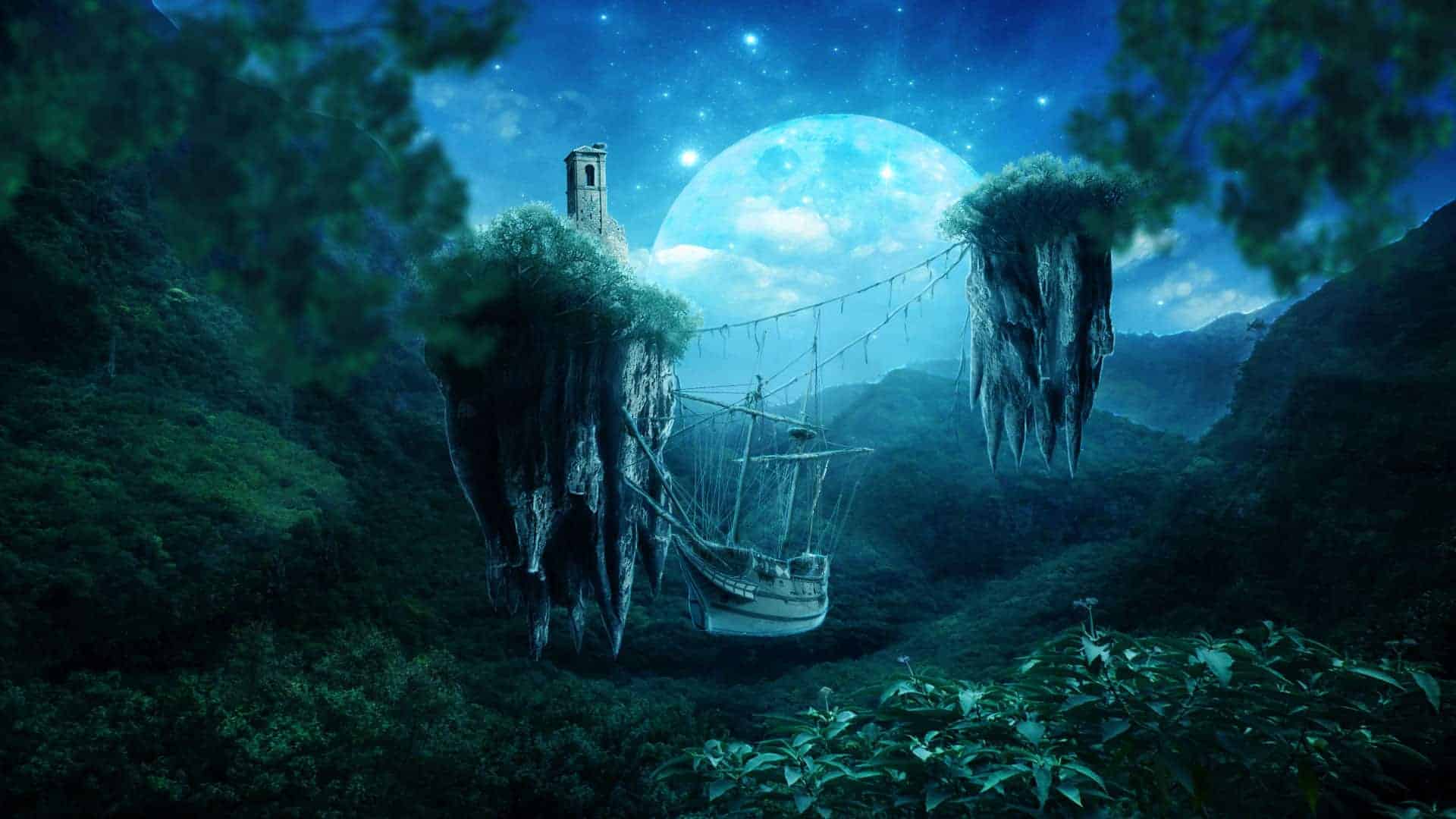
This is last step! Add color/balance for really magical look!
![step-099[6] step-099[6]](https://cdn.photoshoptutorials.ws/wp-content/uploads/2014/02/step-0996-1.jpg?strip=all&webp=82&avif=82&w=1920)
Final Results
![final-results[11] final-results[11]](https://cdn.photoshoptutorials.ws/wp-content/uploads/2014/02/final-results11-1.jpg?strip=all&webp=82&avif=82&w=1920)
Download the PSD
Tutorial by Monika Nowakowska
End of tutorial

Thank you for following this tutorial – You are amazing! :) I am Monika Nowakowska – msRiotte – photomanipulator and graphic designer from Poland. I’m in love with design and coffee. If you want, like my 

