
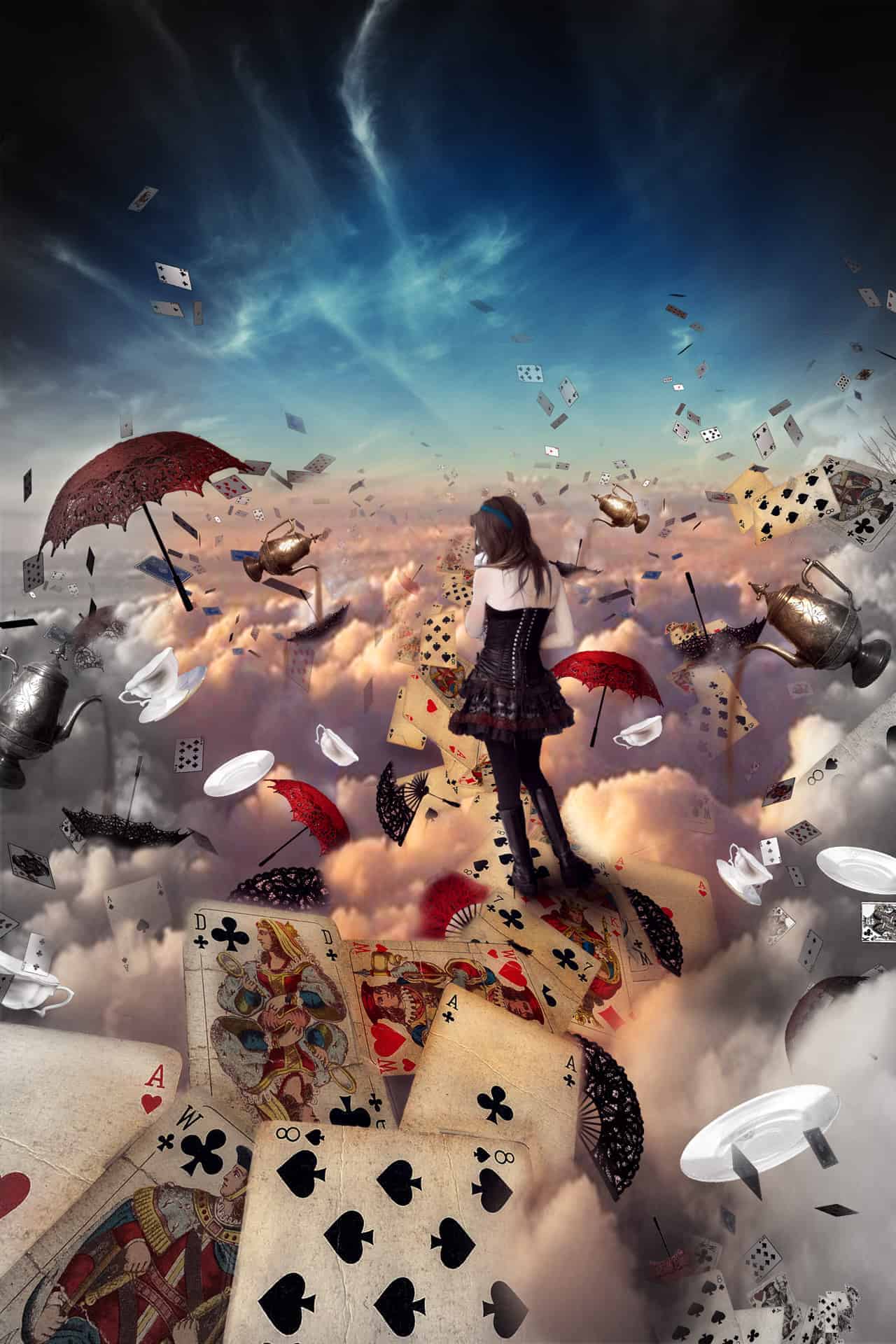


Step 74
Select the “Dodge tool”, specify the following settings for the tool. Now start to draw on the newly created layer in places where the light should fall. Be sure to lighten the left part of the figure of the girl. Not only use bleach, but also substitute and draw in those places where there should be a shadow. Be sure to draw a shadow on the girl. To be accurate and achieve good contrast.


Step 75
Now proceed to the creation of an atmosphere. In this part, we will work to picture atmosphere and colors of the image. For this, we will use adjustment layers. We will work only with them. Let’s get started! Create the first adjustment layer. Click on the icon adjustment layers and select Color balance.

Step 76
Add new adjustment layer. Click on the icon adjustment layers and select Color balance. In the window that appears, select “Shadows”, and set the values as shown in Figure.

Step 77
Go to the Layers palette, select the layer mask created with black paint, sketch a blue sky, and a little lower. This layer makes the midtones more pink clouds and gives tenderness composition. 
Step 78
Add new adjustment layer. Click on the icon adjustment layers and select Color balance. In the window that appears, select “Highlights”, and set the values as shown in Figure.
.
Step 79
Go to the Layers palette, select the layer mask created with black paint, and sketch a blue sky slightly curved. This layer makes the bright parts of the clouds over yellow.

Step 80
Now I wanted to do all the work a little more contrast. Add new adjustment layer. Click on the icon adjustment layers and select Curves. Add a point and place it slightly to the right.

Step 81
The final touch! Create new layer. Take Elliptical Marquee Tool (M) and make a big ellipse. Invert this selection hitting the short keys Ctrl+ Shift +I by removing the black.

Step 82
Now select black color and fill the selection. Change the layer mode to color

Step 83
Now add a mask to this layer. Take brush these settings Size: 2000px, Hardness: 0% Opacity: 45% Flow: 55%, and black paint to soften the edges and color showing on cards by removing the black.


