
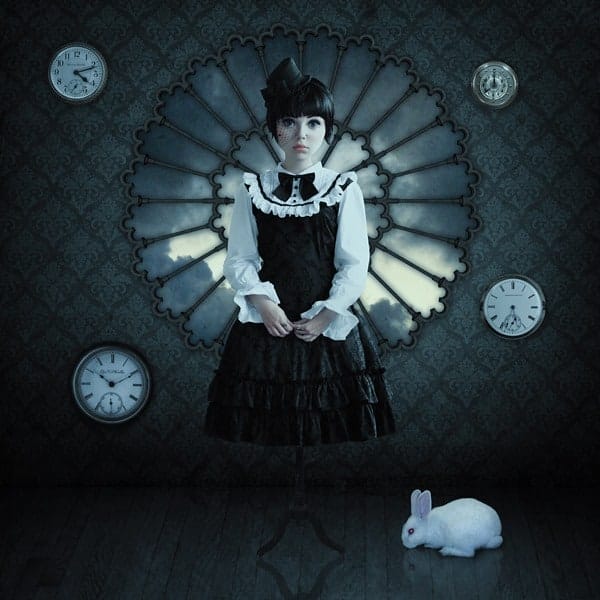


Step 21
Now select models head (since it’s an unimportant selection, you can use Lasso Tool – you don’t have to worry about the exact edges etc). Then right click and choose “Layer via Cut” to behead the model… for a few minutes. After that, press Ctrl + D to release the selection.

Step 22
Press Ctrl + T to enter Transform and make her head larger by stretching from the corners.

Step 23
Go to and enlarge her eyes with the Bloat Tool.

Add more doll features – tiny nose, small and full lips, pointy jaw.

Step 24
Retouch skin with the Healing Brush. A slight plastic-perfect look is even good here.

Step 25
Now go to the neck part and erase the sharp corners to make her neck really slender.

Neck looks like this now.

Step 26
Paint the gap by picking colours from the skin areas around the gap. You don’t have to be precise, just make sure the lighting is right.

Merge the head and body layers together and use the healing brush to blend everything.

The cheeks looked strange so I went back to Liquify and fixed them.

Step 27
Looks like this…

Step 28
Time to colour correct the doll. Move the Vibrance slider to left (-50). Then go to and choose “Reds” from the drop down menu. Move the sliders to make the skin more pale.

Step 29
The eyes have too little contrast. Use the Dodge Tool on Midtones and low Exposure (10-20%) to lighten the areas painted blue; and the Burn Tool (also set to Midtones and low Exposure) to darken the red areas. You should use a small brush, something around 5-15 px. Make sure it’s soft rounded.

Makeup enchanced!

Step 30
Looks like this so far.

Step 31
Create a new layer on top of the model layer and grab a soft round brush. Paint the red areas with a greyish blue colour ( is good, for example). Set the layer mode to Overlay.

Blue eyes.

Step 32
Create another new layer and paint the shape of the lips with a greyish pink tone (). Then set the layer to Soft Light.

Pretty pink doll lips.

Step 33 (optional)
If you have a tablet, take a slightly darker colour (like ) and paint the jawline. It’s not an important step, but it helps to define the face.


