


Duplicate the distant rock layer as needed and add the same adjustment layers as the original layer. Scale the sizes of the duplicates mask and compose them in such a way as the result I did as shown in the screenshot. We can set the opacity of the duplicates varied about 40 and 25%.


Step 54
The next step is giving more shadow, highlight, and some more gentle mist around the middle rock and right waterfall areas. Create a new layer above all the other layers and folders. Fill this layer with 50% gray. Set this layer to overlay. Take the soft round brush again. Set the brush to about 10-20% opacity. On this layer, stroke the brush with white to paint some highlight and soft mist on the areas around the middle rock. On the contrary, stroke with a black color to give some shadow on certain areas of the middle rock. Here is the layer I created will look when it is set to normal blending mode:

Here is the result in the overlay at 100% opacity.

If we want to give more vivid highlight, we can repeat this step by painting more highlight on a new different layer like the result I did.

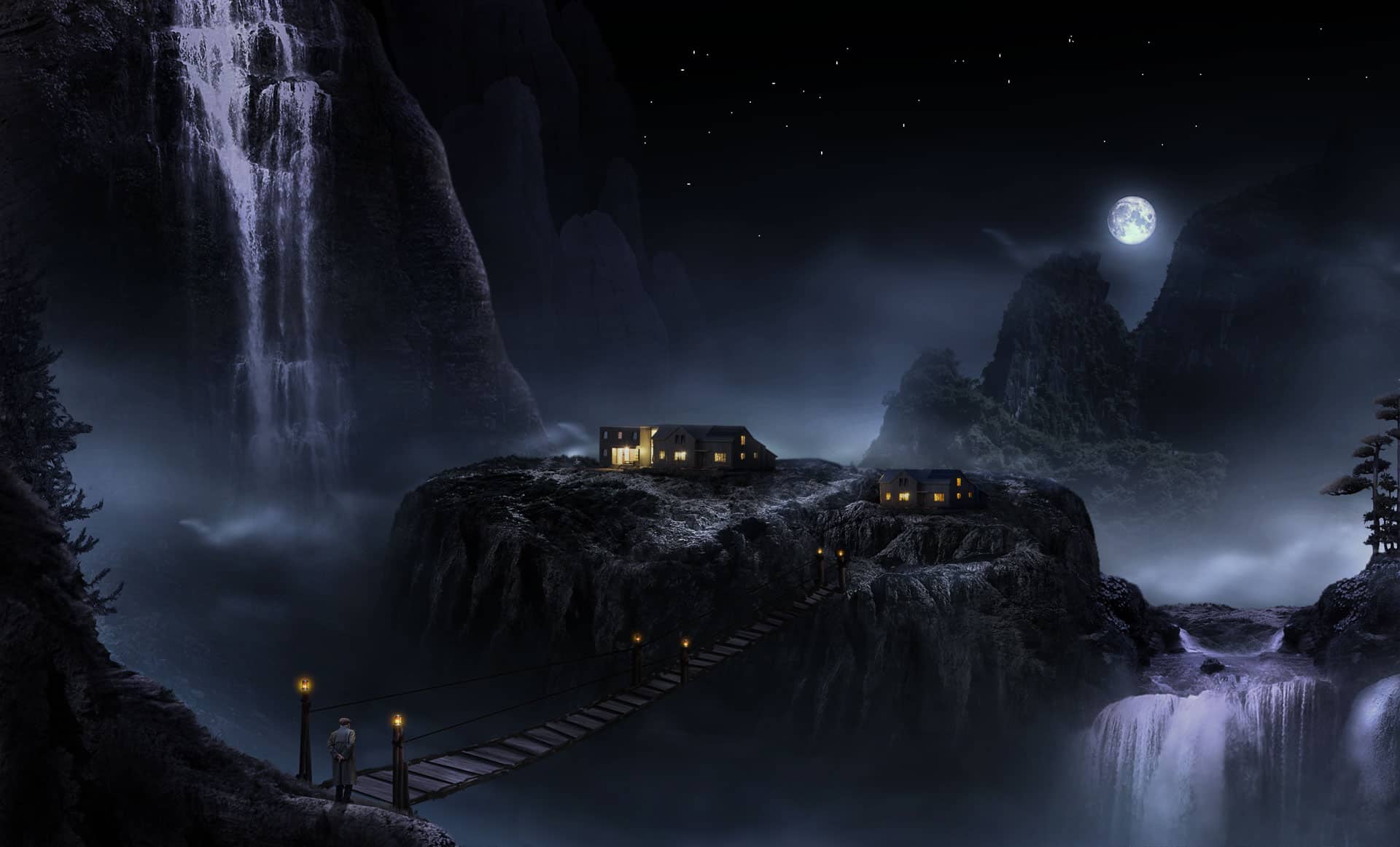
Here is the result so far…

Step 55
Proceed to give the last adjustment layer to the scene. This time we will give it curves adjustment layer. Make sure to create this layer above all the other layers and folders so it will be the topmost layer in the layer panel.

Mask the areas indicated by the selection and set it to normal at about 60% opacity.

Here is the result:

Step 56
Create again a new layer above the curves layer. Set this new layer to linear light at 100% opacity. Take the brush tool. Choose a hard round brush set to 100% opacity with a size of about 2-4 pixels. With white color, click the brush randomly on the areas needed to create stars. After creating the star, we can duplicate the star layer in order to make the star brighter. Finally, group the star layers in one folder.

Step 57
Make sure we are still active on the star folder. Hit Shift+Ctrl+Alt+E to stamp all the layers into one single layer. Then go to filter > others > high pass.


