Skip to content
Photoshop Tutorials
  • Tutorials
    • Basics
    • Drawing
    • Layouts
    • Photo Effects
    • Photo Manipulation
    • Photo Retouching
    • Special Effects
    • Text Effects
  • Inspirations
    • 3D
    • Design Resources
    • Digital Arts
    • Fine Arts
    • Graphic Design
    • Misc
    • Photography
    • Web Design
  • Downloads
    • Lightroom Presets
    • Mockups and Graphics
    • Photoshop Actions
    • Photoshop Brushes
    • Photoshop Gradients
    • Textures
  • Reviews
    • Books
    • Design Tools
    • Photoshop Addons
    • Software
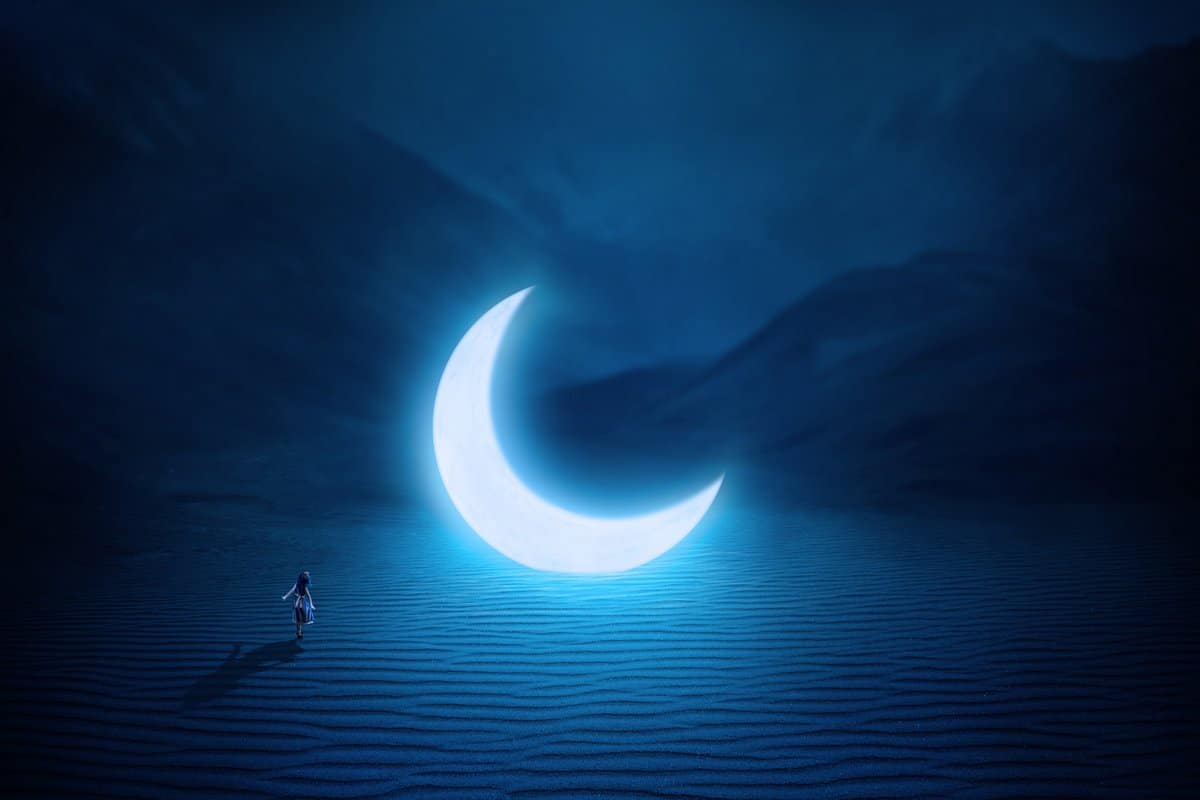
  • How to Create a Surreal Moon Scene in Adobe Photoshop

    How to Create a Surreal Moon Scene in Adobe Photoshop

    Oct 17, 2026

    —

    by

    Que Thu
    Photo Manipulation Photoshop Tutorials Updated
  • How to Create a Surreal, Conceptual Head Photo Manipulation with Photoshop

    How to Create a Surreal, Conceptual Head Photo Manipulation with Photoshop

    Oct 16, 2026

    —

    by

    Que Thu
    Photo Manipulation Photoshop Tutorials Updated
  • How to Create a Colorful Retro Poster in Easy Steps

    How to Create a Colorful Retro Poster in Easy Steps

    Oct 16, 2026

    —

    by

    David Cox
    Photoshop Tutorials Special Effects Updated
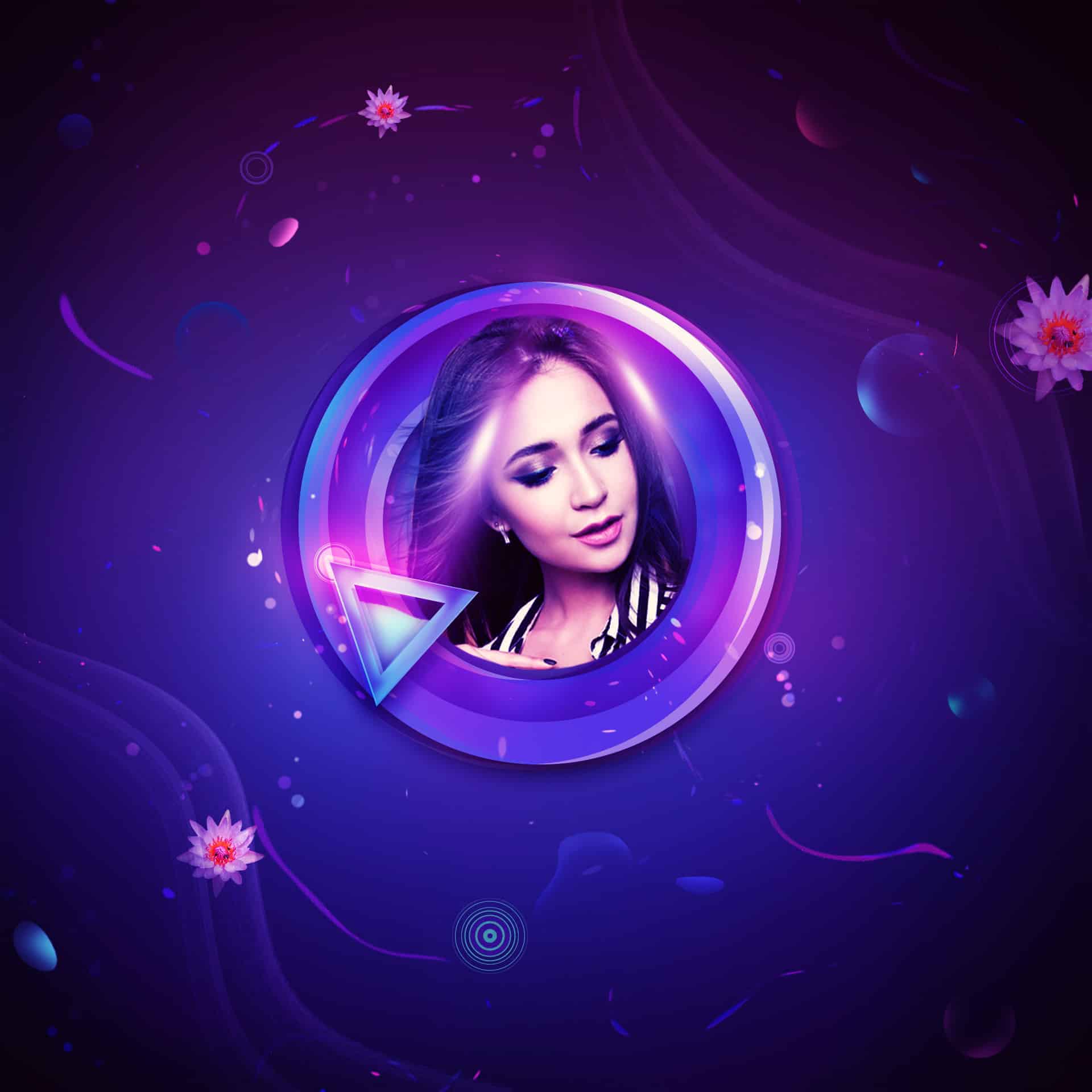
  • How to Create a Sleek Digital Art of a Portrait with Fun Elements

    How to Create a Sleek Digital Art of a Portrait with Fun Elements

    Oct 16, 2026

    —

    by

    Que Thu
    Photo Manipulation Photoshop Tutorials Updated
  • Create a Set of Weather Icons in Adobe Photoshop

    Create a Set of Weather Icons in Adobe Photoshop

    Oct 16, 2026

    —

    by

    Razvan Gabriel
    Drawing Photoshop Tutorials Updated
  • How to Create a Beautiful Underwater Surreal Scene in Photoshop

    How to Create a Beautiful Underwater Surreal Scene in Photoshop

    Oct 16, 2026

    —

    by

    Evan Lawrence
    Photo Manipulation Photoshop Tutorials Updated
  • 10 Magazine Lightroom Presets

    10 Magazine Lightroom Presets

    May 7, 2020

    —

    by

    SparkleStock
    Downloads Lightroom Presets
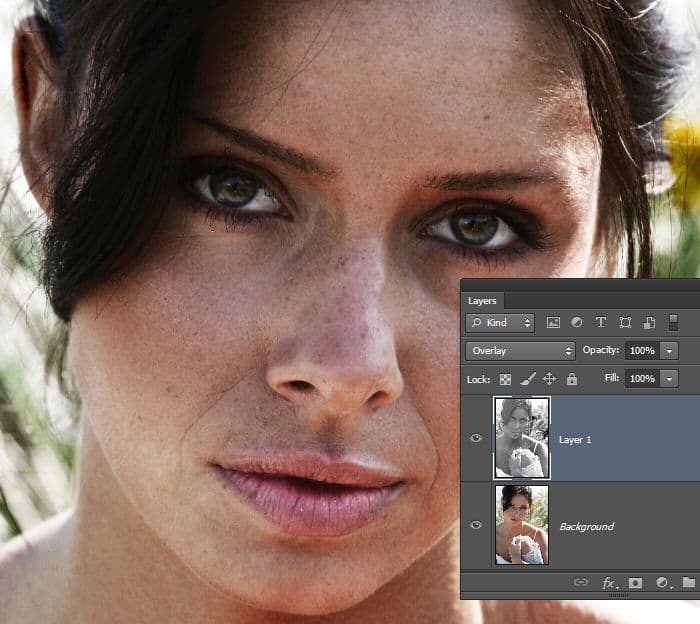
  • Quick Tip: Emphasize or Hide Skin Flaws With One Layer

    Quick Tip: Emphasize or Hide Skin Flaws With One Layer

    Jan 22, 2013

    —

    by

    Photoshop Tutorials
    Photo Retouching
←Previous Page Next Page→

Stay updated

Get the latest Photoshop tutorials delivered to your inbox.

Join 21.7K other subscribers

Top Posts

Freebie: 5 Skin Retouching Photoshop ActionsFreebie: 5 Skin Retouching Photoshop Actions
How to Create a Surreal Elephant Photo Manipulation with Adobe PhotoshopHow to Create a Surreal Elephant Photo Manipulation with Adobe Photoshop
How to Create a Professional Web Layout in PhotoshopHow to Create a Professional Web Layout in Photoshop
How to Create an Amazing Space Battle Scene in PhotoshopHow to Create an Amazing Space Battle Scene in Photoshop
How to Create an Amazing Watercolor Artwork in PhotoshopHow to Create an Amazing Watercolor Artwork in Photoshop
Quick Tip: The Correct Way to Create Curved TextQuick Tip: The Correct Way to Create Curved Text
Create a Library Aquarium PhotomanipulationCreate a Library Aquarium Photomanipulation
Quick Tip: Erase Backgrounds Quickly With The Background Eraser ToolQuick Tip: Erase Backgrounds Quickly With The Background Eraser Tool
Photoshop Tutorials

Photoshop tutorials for beginners to experts. Learn tips and tricks on how to use Photoshop for photo editing, manipulations, designs, and more.

  • Write for Us
  • Contact
  • Privacy Policy
    • Cookie Policy
  • Terms and Conditions

© Copyright 2000px Media Inc. All trademarks or registered trademarks are property of their respective owners.