
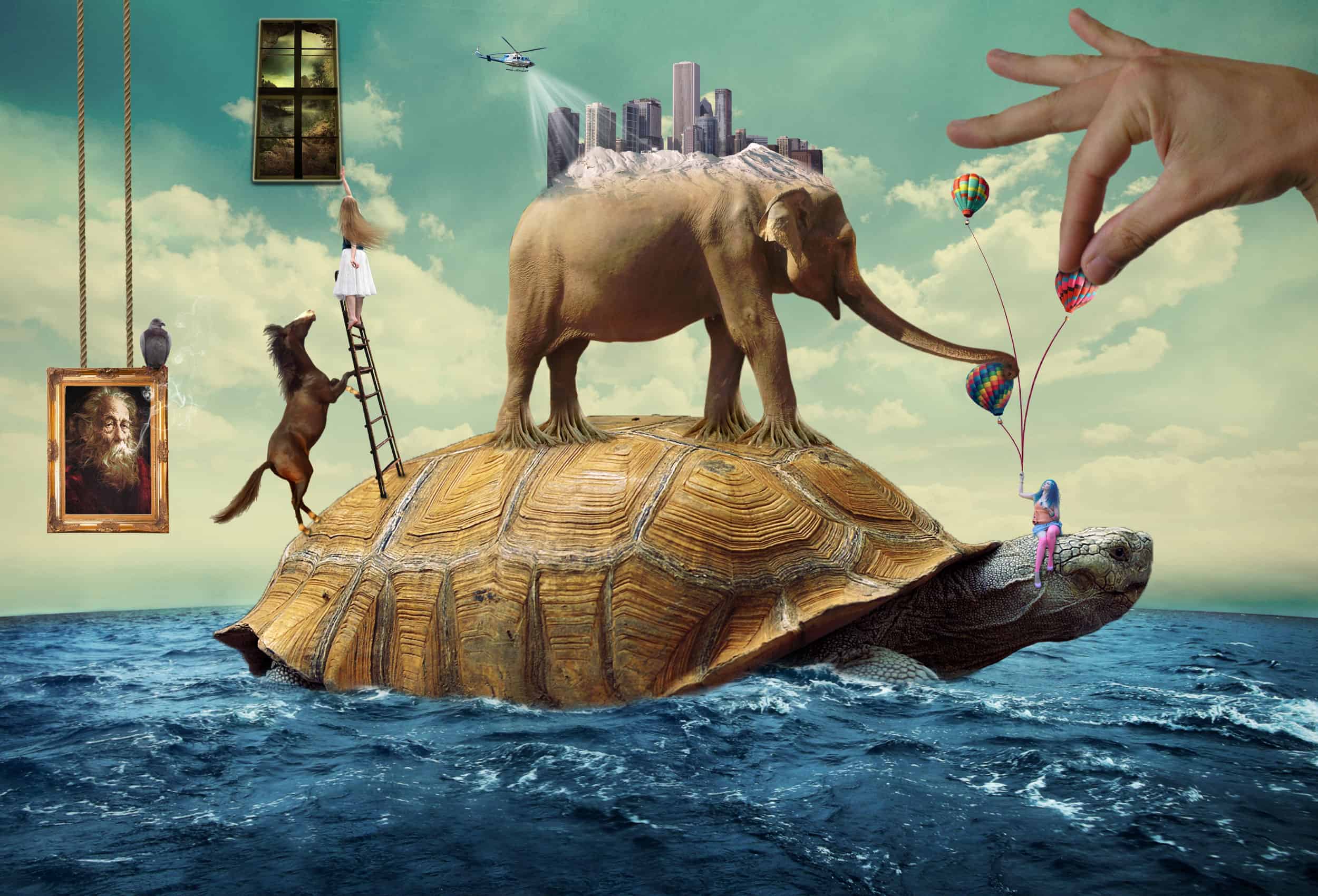


Resize the balloons using the Free Transform Tool (Ctrl/Command+T) and holding Shift while click and drag the corners, like usual. Place them above the right girl like shown in the image below:

Now we’re going to rotate the second and third balloon a little bit. Use the Free Transform Tool (Ctrl/Command+T) again and change the Rotate values like shown in the images below:


Your balloons should look like this now:

To finish this step group the three balloons in a new group called Balloons (really original huh).

Step 12 Add the ribbons holding the balloons
Let’s start this step by creating a new group called Ribbons and placing it between the Right Girl group and the Picture group. Leave the ribbons stock open because we’ll use it again later.
To create a new group just click the ‘Create a new group’ button.

Now open the ribbons stock and use the Quick Selection Tool to select the third one (that’s the only one we’re going to use).

Paste it into our scene and resize it using the Free Transform Tool(Ctrl/Command+T). Place it in the hands of our girl in the right.

Now go into the Free Transform mode again, right click the ribbon and select Warp.

Our goal is to make the ribbon bend so it looks like the girl is actually holding the balloon. See the image below for the steps:


Now go back to our ribbon stock and copy and paste the red ribbon again into our image. Resize it and place it in the same place as the other one in the beginning.

Go into the Free Transform mode again and increase the height of the ribbon. There will be three squares in the top part of our ribbon, select the middle one and drag it to increase the height. Take a look at the image below:

Now do the same thing we did with the other ribbon. Right click the ribbon, select Warp and make it look like its pulling the balloon.


With two ribbons your image should be similar to this one:

To add the third ribbon the process is exactly the same as the others. Go into our stock, copy and paste the ribbon for the last time, resize it and place in the same position as the others in the beginning.


